Stack it. Paint it. Build it.
Everything you can do
From the first sketch to a loaded van. These are Soundsystem Builder's tools, in the order you'll use them.
Design the rig
Pick the cabinets, stack them the way they'll stand at the party and try colours until you're sold.
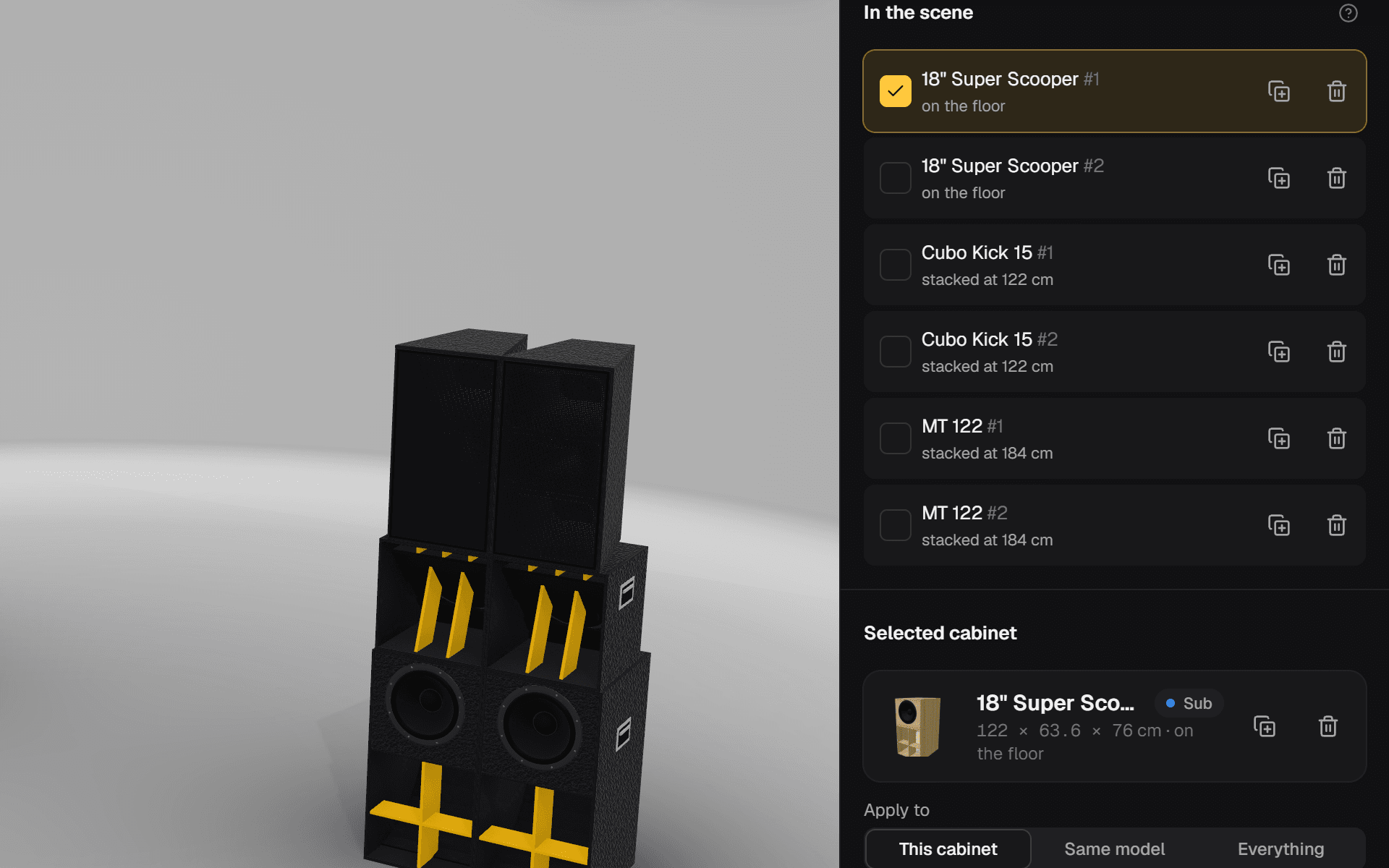
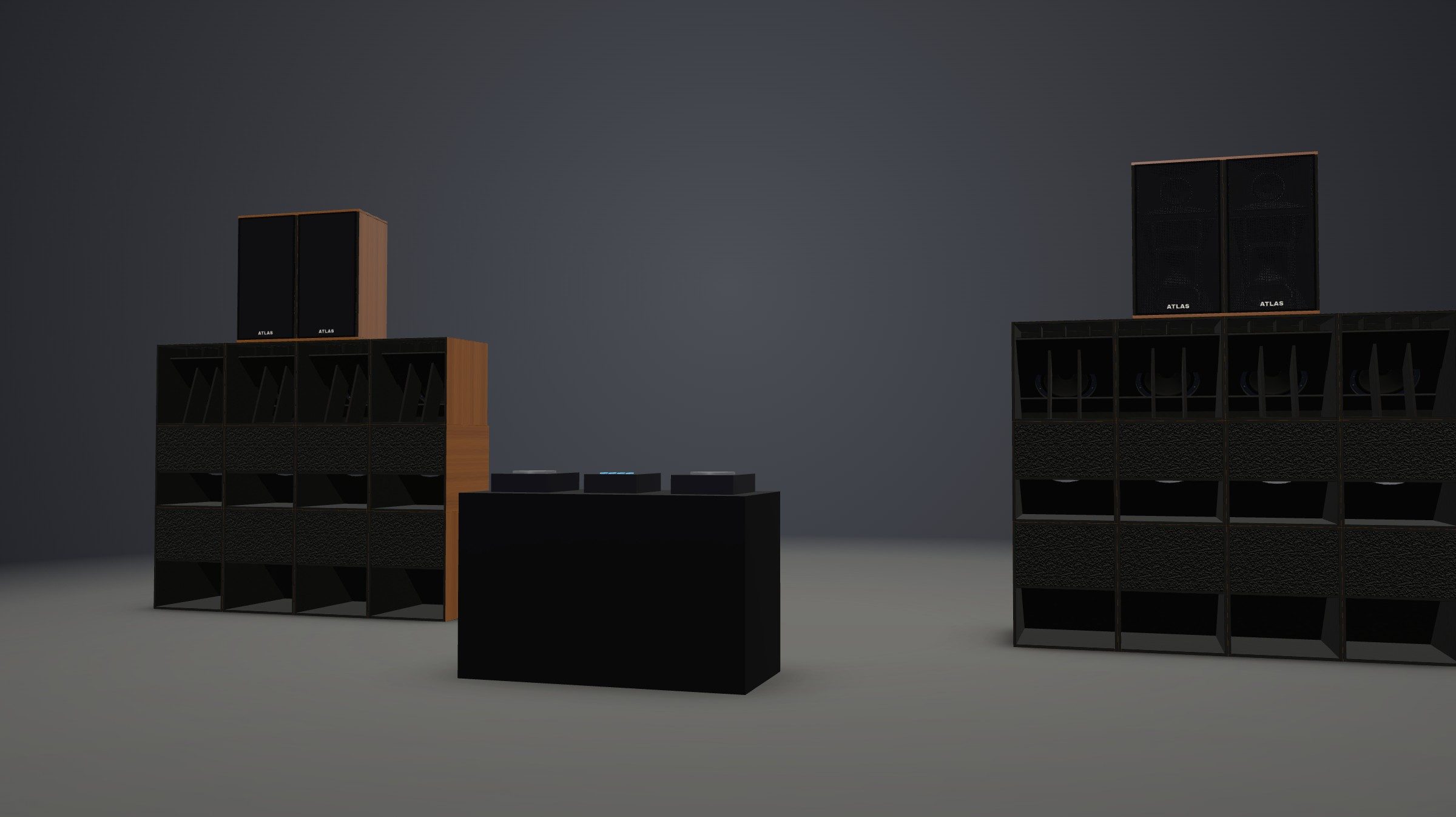
3D stacking at real scale
Everything is in centimetres. Place cabinets, stack them and view the whole rig from the front, the side, at 3/4, from above or from the crowd.
- Automatic stacking and snapping: cabinets butt up side by side with their fronts aligned.
- Mirrored stereo at the spacing you choose, plus ready-made setups: current, next step and stereo.
- Rotate, lay down, duplicate, line up and move several cabinets at once.
- Front grille with its own finish and colour, recessed handles and corner protectors, cabinet by cabinet.
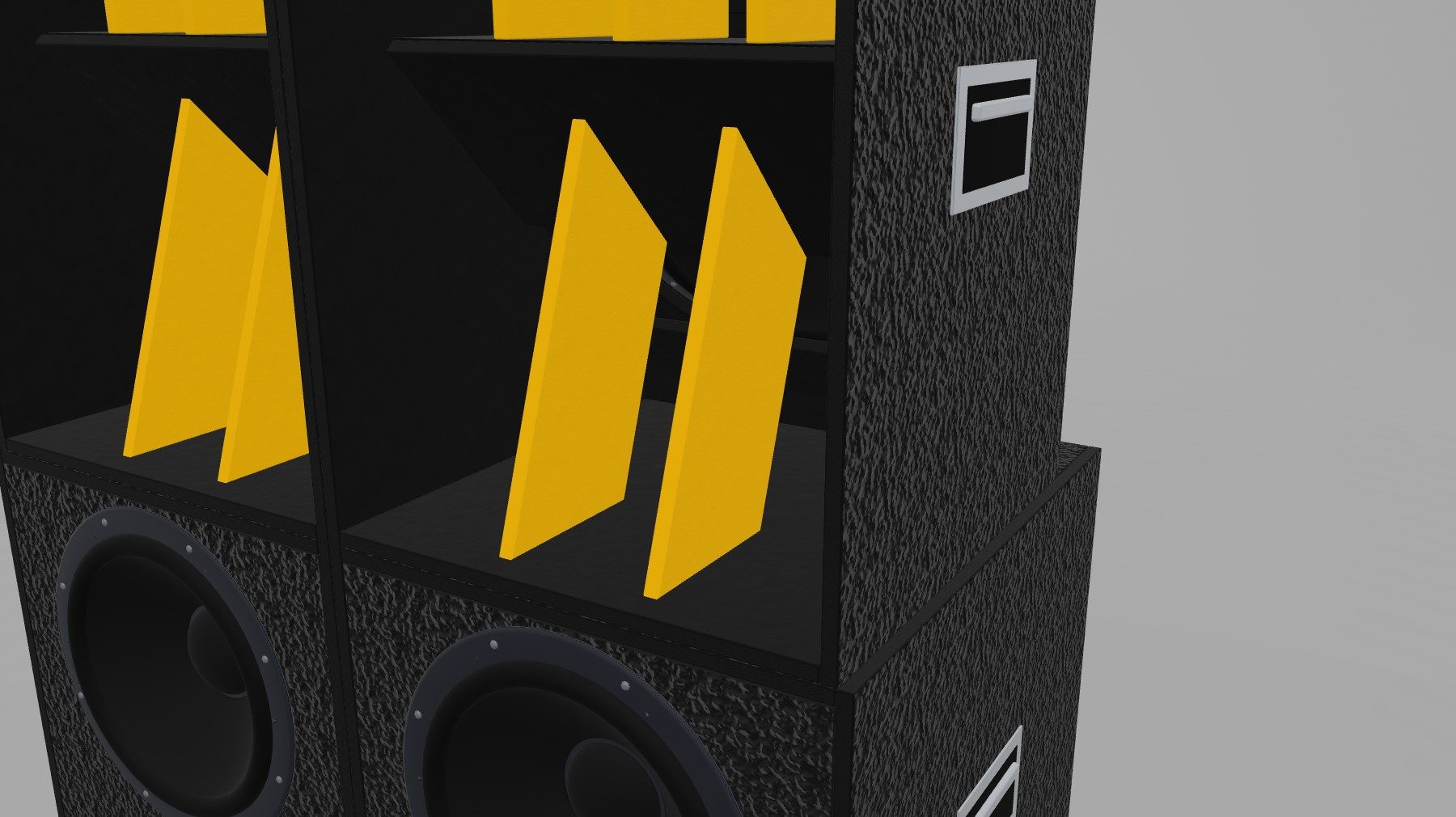
- A 1.75 m person, dimensions for every cabinet and a cutaway view to look inside the horn.
Plan library
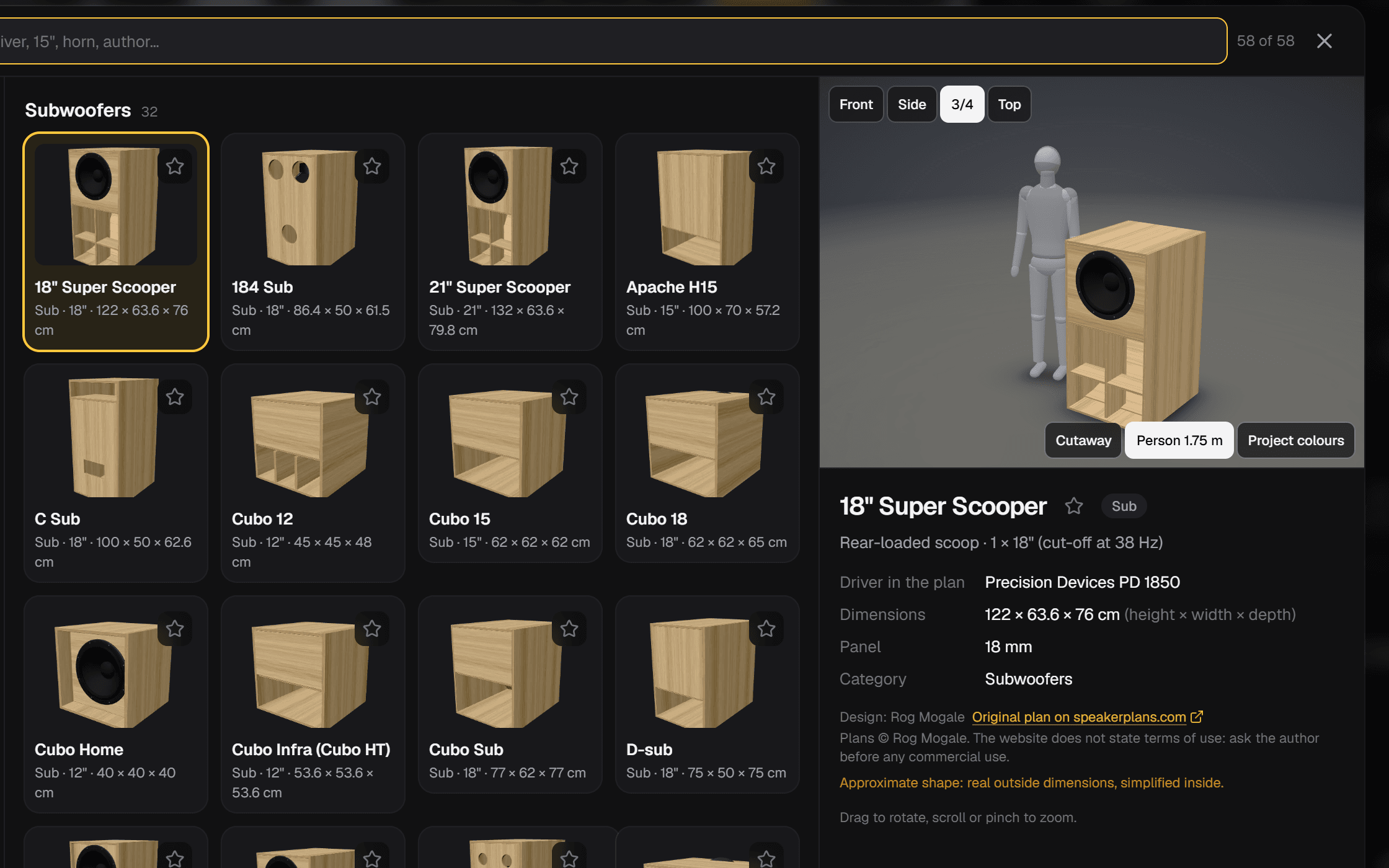
56 cabinets from public plans: subwoofers, mid-bass, tops and full range, each with its designer and a link to the plan.
- Search by name, driver, size or designer.
- Filter by low-end extension and cabinet size; sort by name, driver or volume.
- 3D preview you can spin, with a person for scale and your project's colours.
- Star your favourites and add several units at once.
Colour and finishes
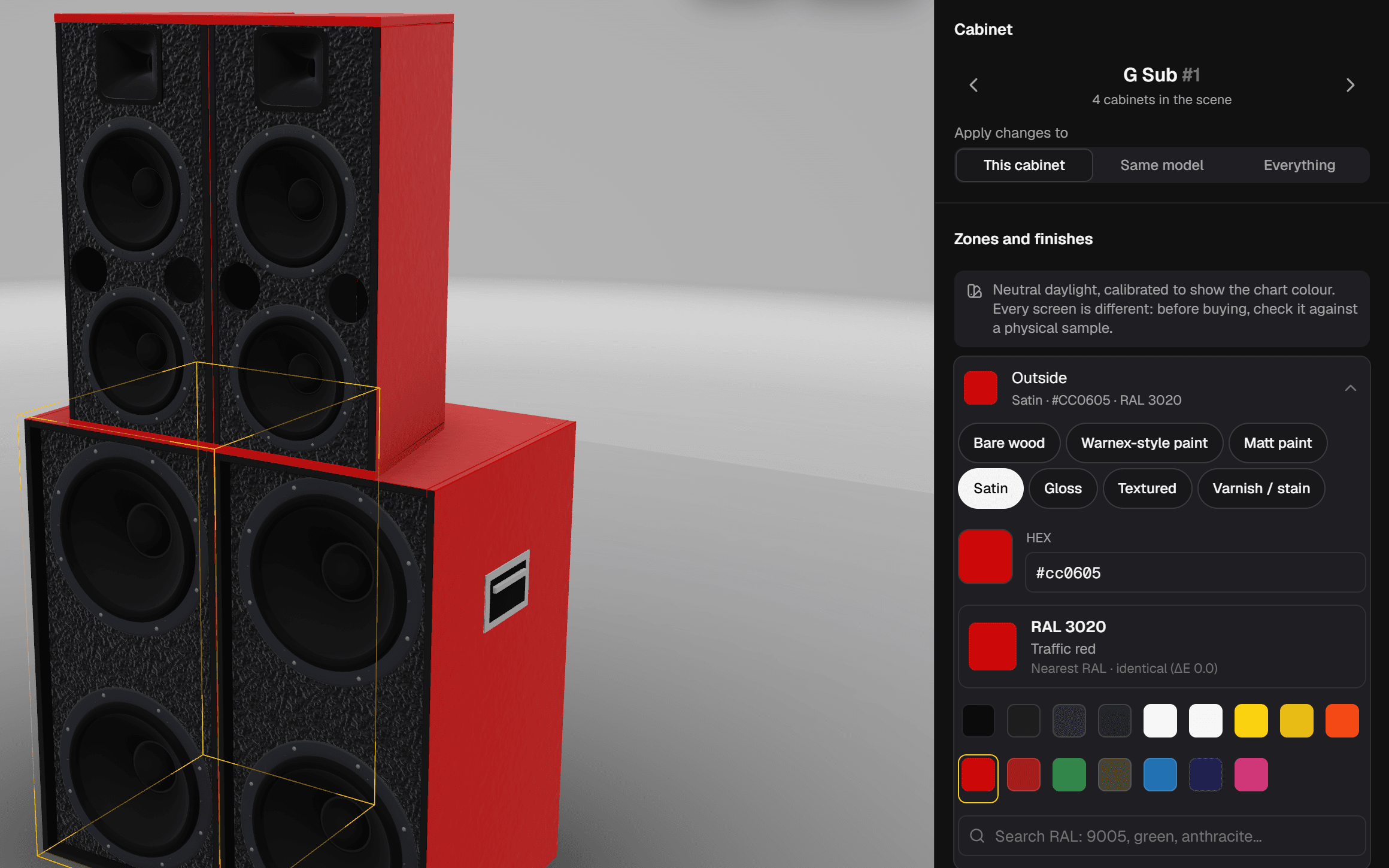
Paint every zone of every cabinet and check it under calibrated light, the same kind used to compare paints.
- Zones: outside, front, horn, driver baffle, fins, cone, hardware and grille.
- Bare wood, Warnex, matt, satin, gloss, textured and varnish or stain.
- RAL search by code or name, the closest RAL to any colour and how far off it is.
- Ready-made palettes (classic black, Warnex black, all wood, roots…) and a random one.
- Apply to one cabinet, every cabinet of the same model or the whole rig.
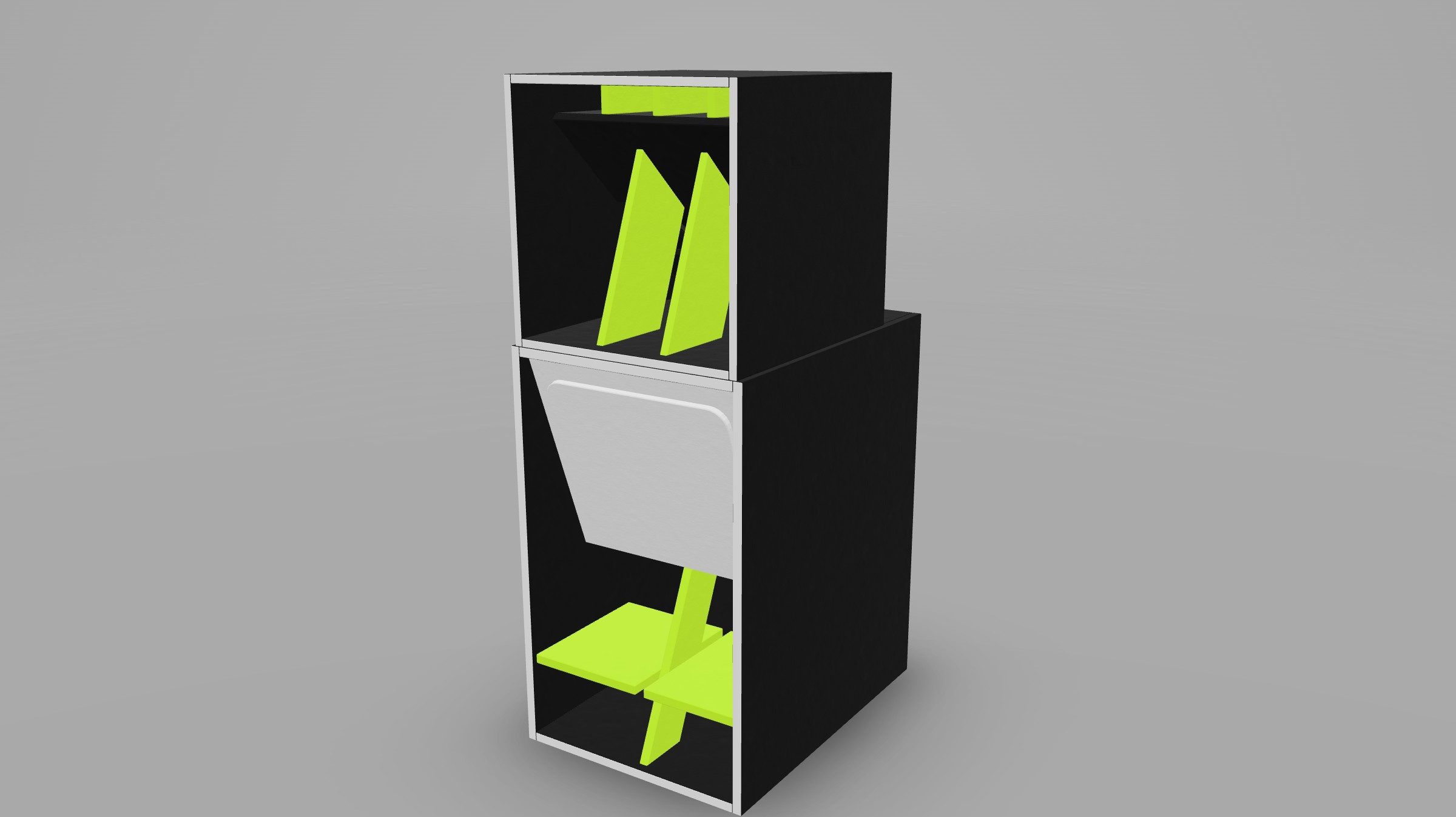
Your rig's name and logo
Type the name in one of nine fonts or upload your logo, and place it on the front, the sides or both.
- PNG, JPG, WebP or SVG logo: it trims the margins and can remove a white background.
- Keep its original colours or paint it in the logo zone colour.
- Separate size and height for the front and the sides.
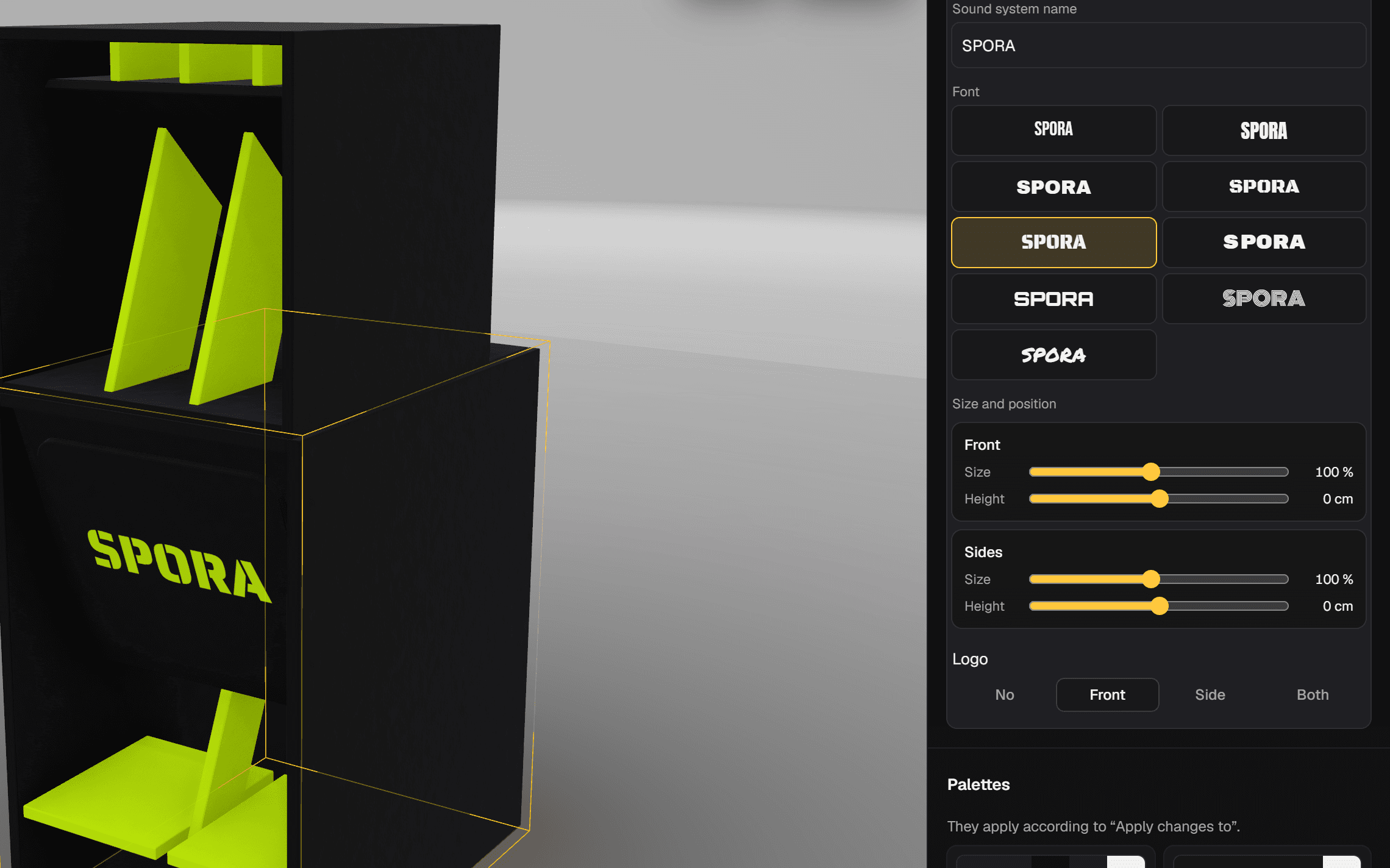
Variants and A/B comparison
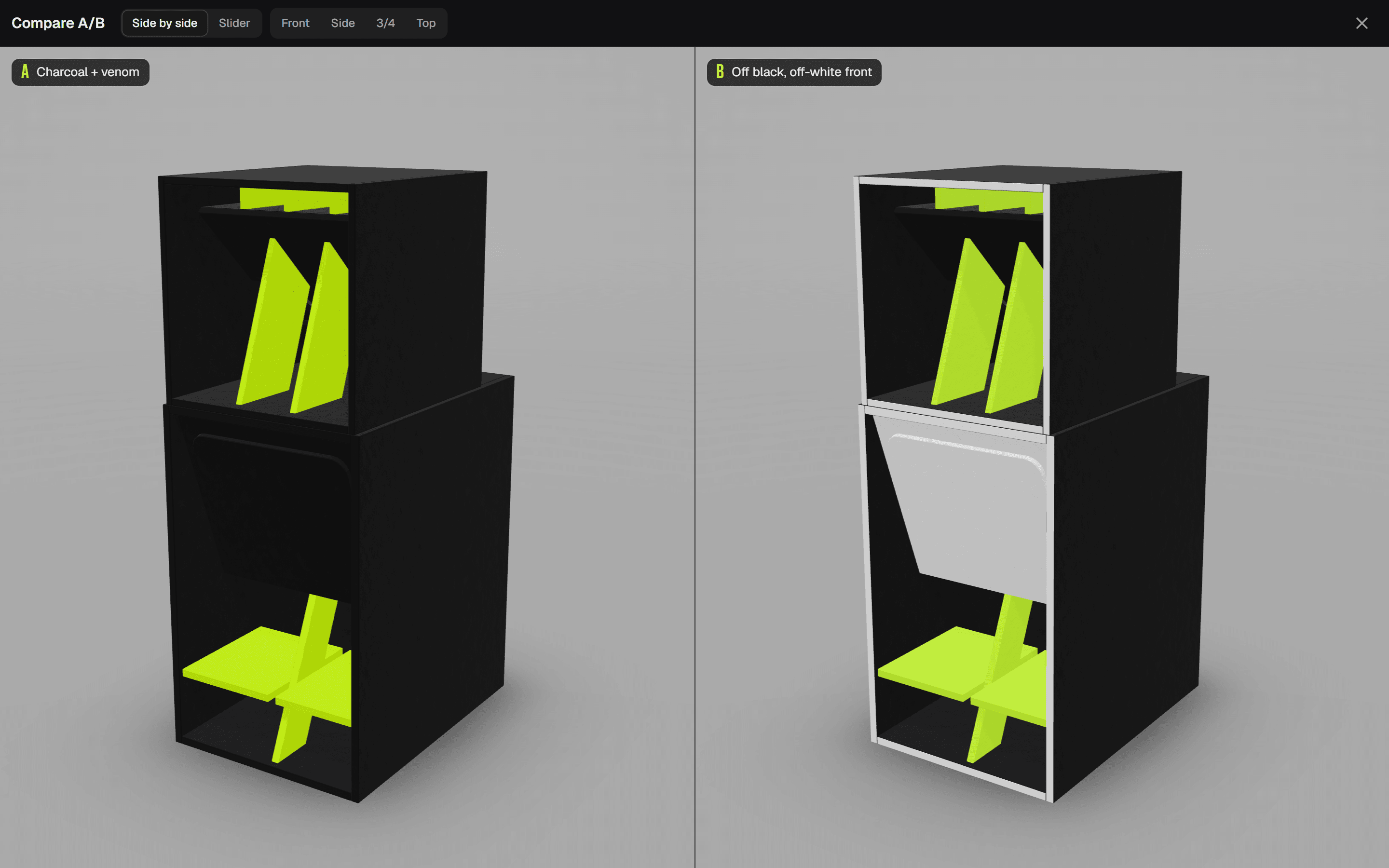
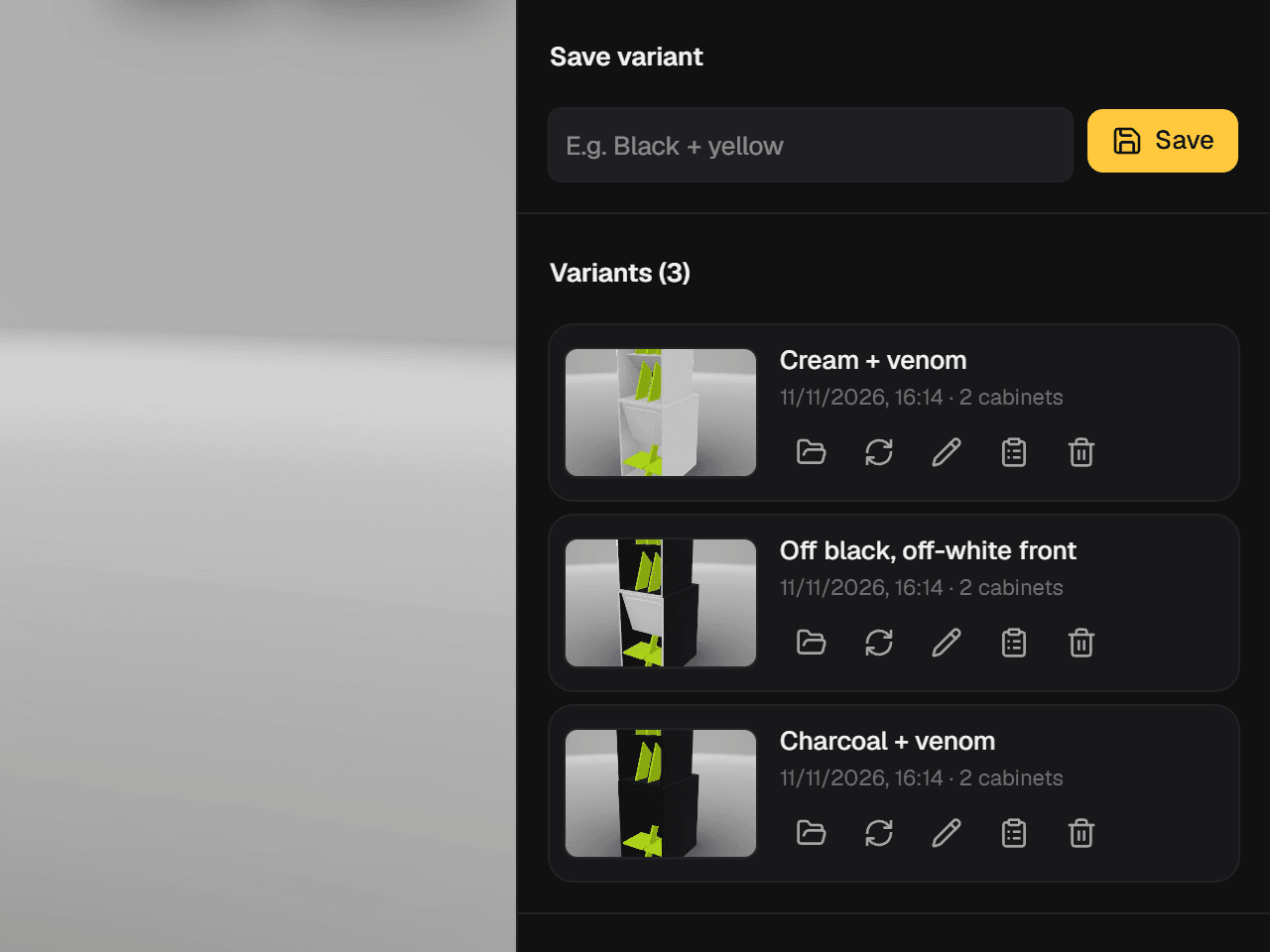
Save each idea under its own name and compare it with another before deciding. No more losing the combo you liked an hour ago.
- Variants with thumbnails: load, rename or overwrite them.
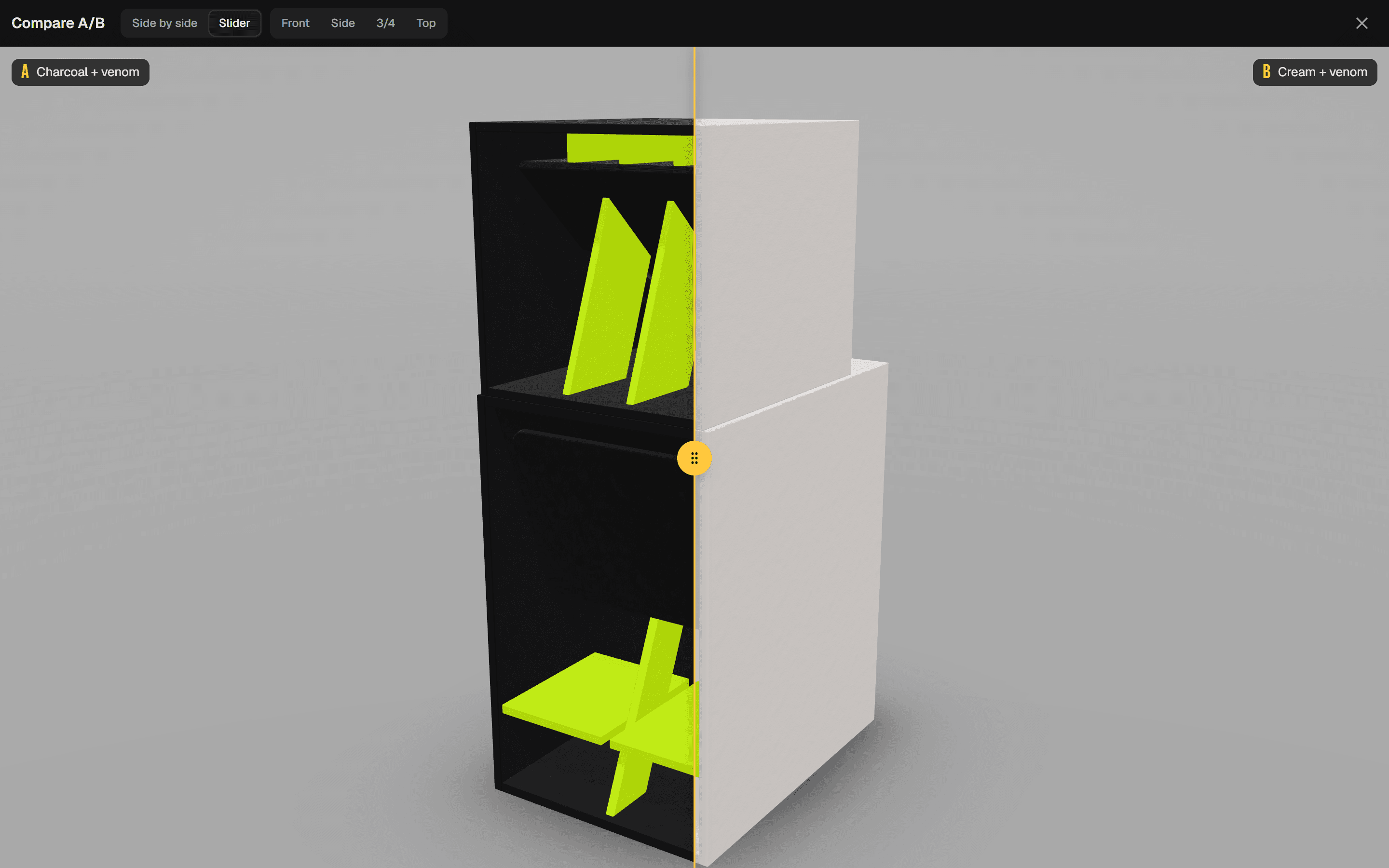
- Side-by-side or wipe comparison.
- Paint list for any variant.
Get ready to build
Once the design is settled, the app works out the numbers: drivers, power, wood, paint, money and van.
Real drivers
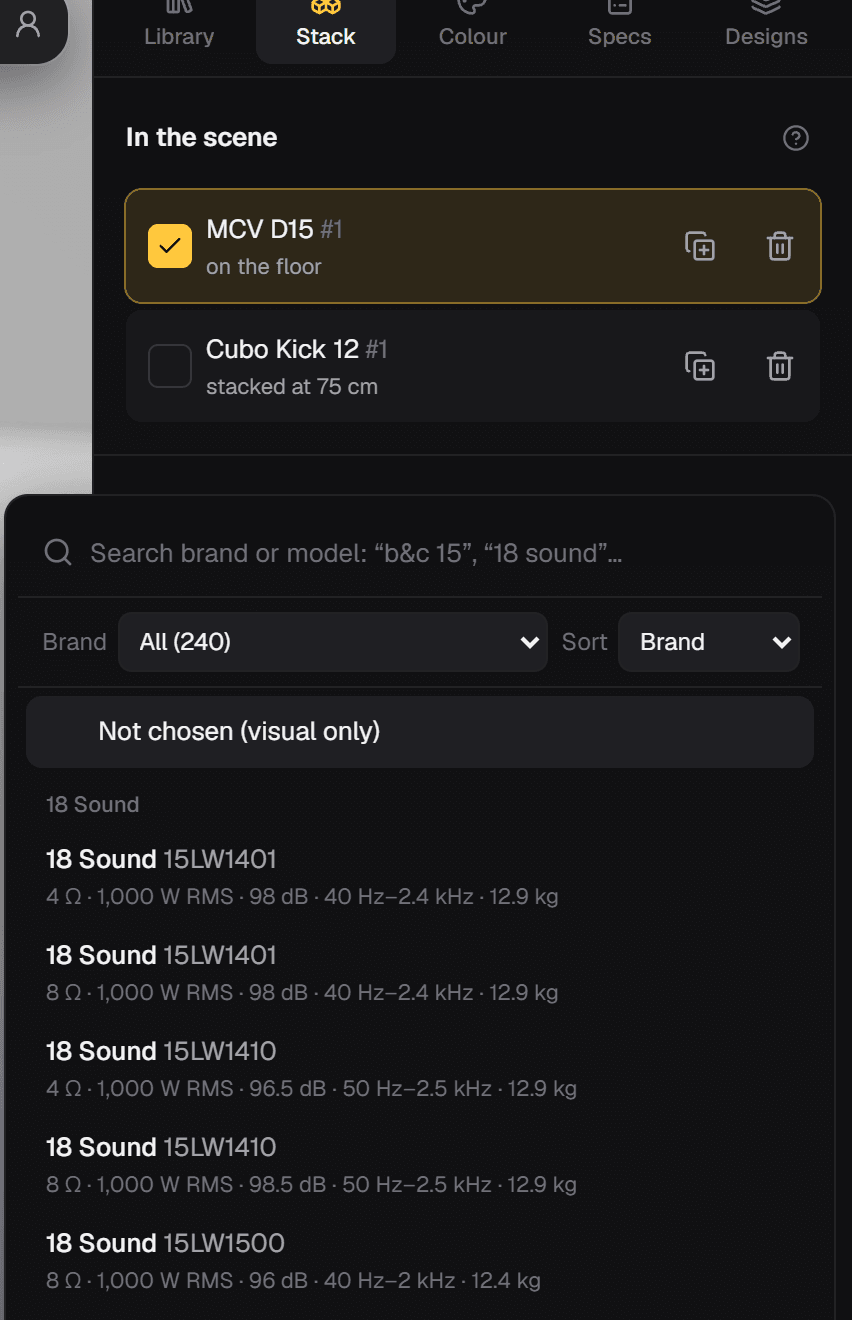
Choose the driver for each slot from over 1,800 models. Then the cabinet really counts: weight, power and impedance.
- Cones by size and compression drivers, grouped by brand.
- Add your own drivers with impedance, power, sensitivity, weight and range.
- Power per way and suggested amps, never below 4 Ω.
- The driver database updates itself, without waiting for a new app release.
Spec sheet
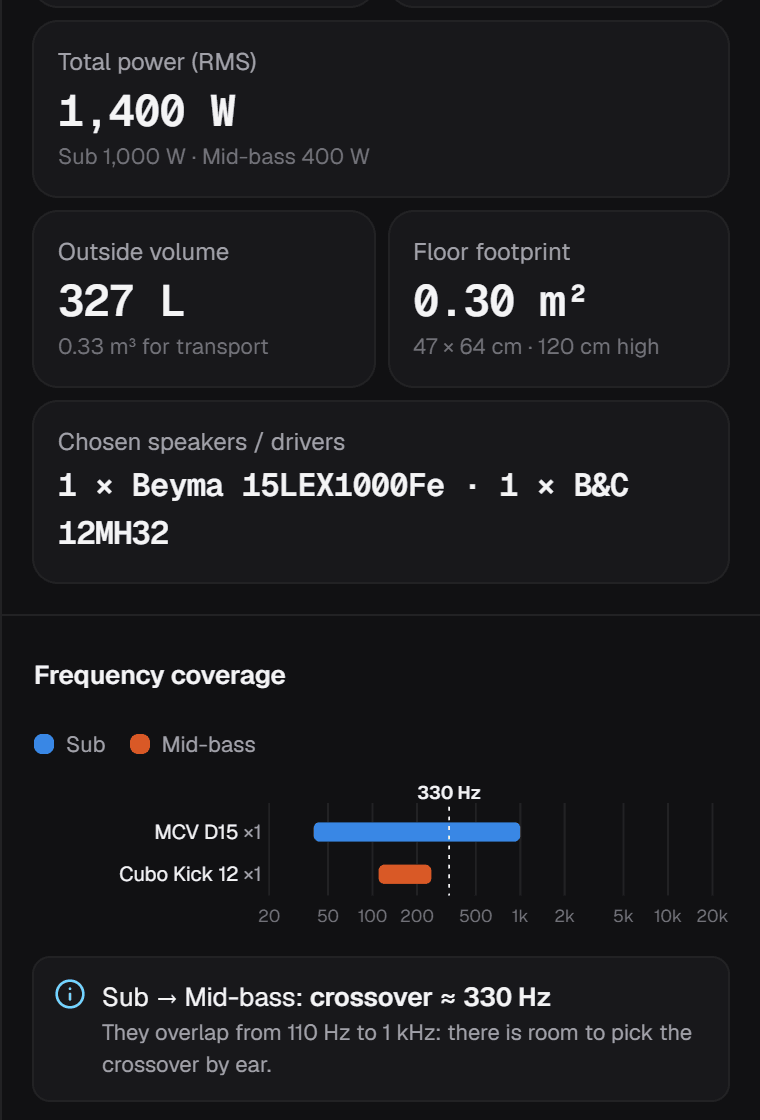
A summary of the whole system, counting both sides if it's stereo.
- Cabinets per way, drivers, weight, volume, footprint and dimensions.
- Frequency chart per model with suggested crossover points and gap warnings.
- Correct the range or enter the real weight of each model.
- Copy the sheet as text in one click.
Cut list on real sheets
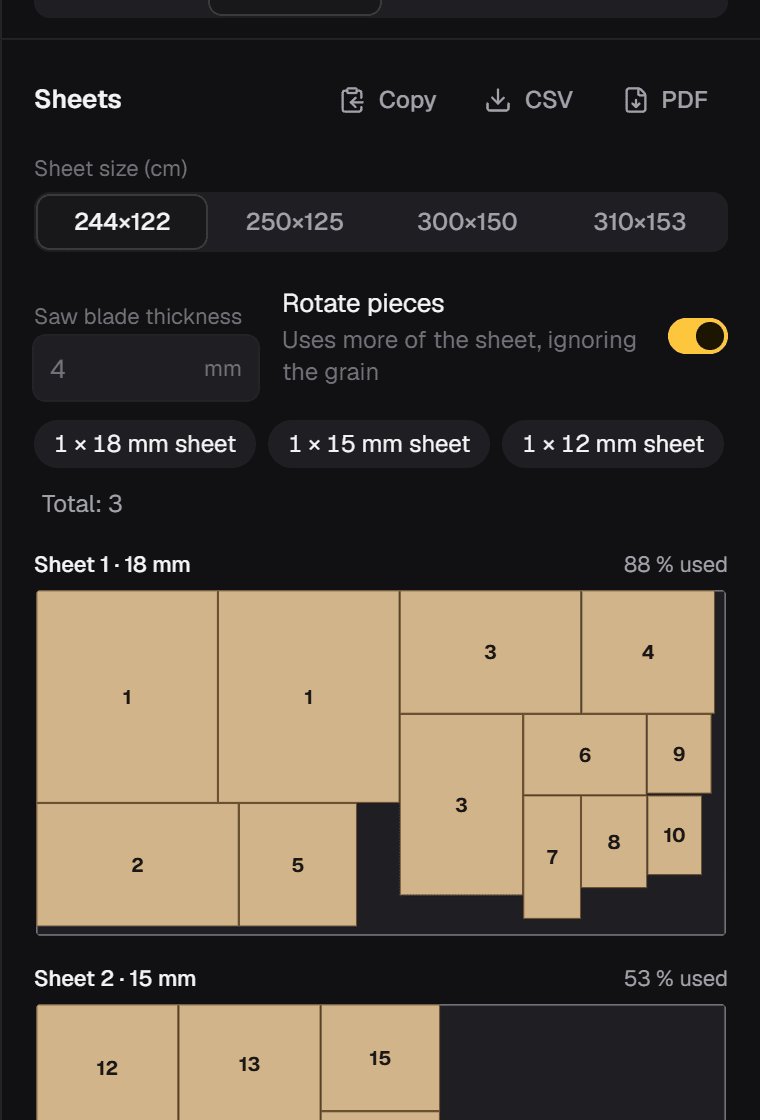
Every panel of every cabinet, with dimensions, holes and angled cuts, laid out on real sheets.
- Sheets of 244 × 122, 250 × 125, 300 × 150 or 310 × 153 cm.
- Accounts for the saw kerf and tells you how much of each sheet you use.
- Numbered drawing of each sheet, as text or CSV.
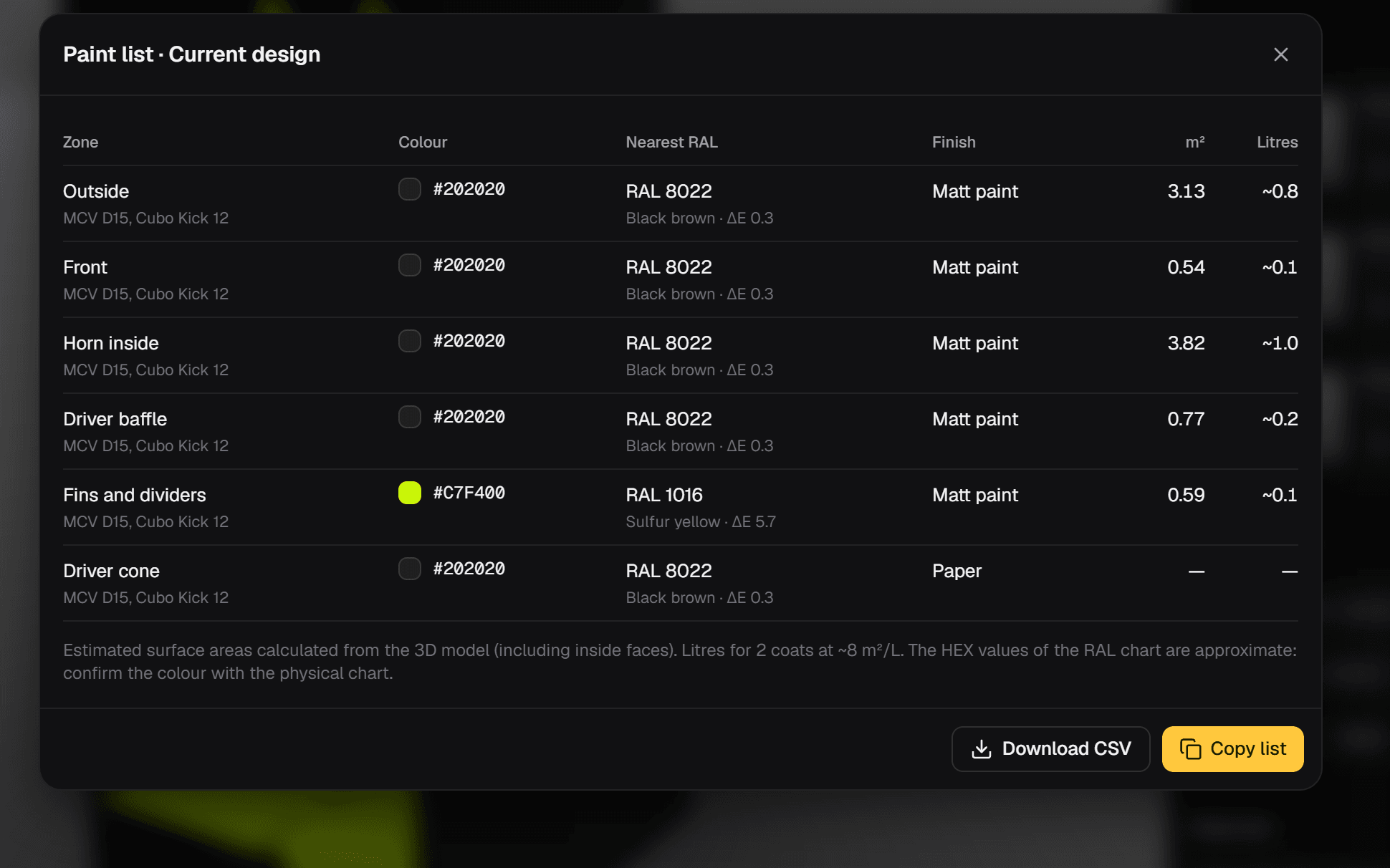
Paint list
What to take to the shop: every zone with its colour, its closest RAL and its finish.
- Approximate square metres and litres for each colour.
- Copy it or download it as CSV.
- From the current design or any saved variant.
Budget
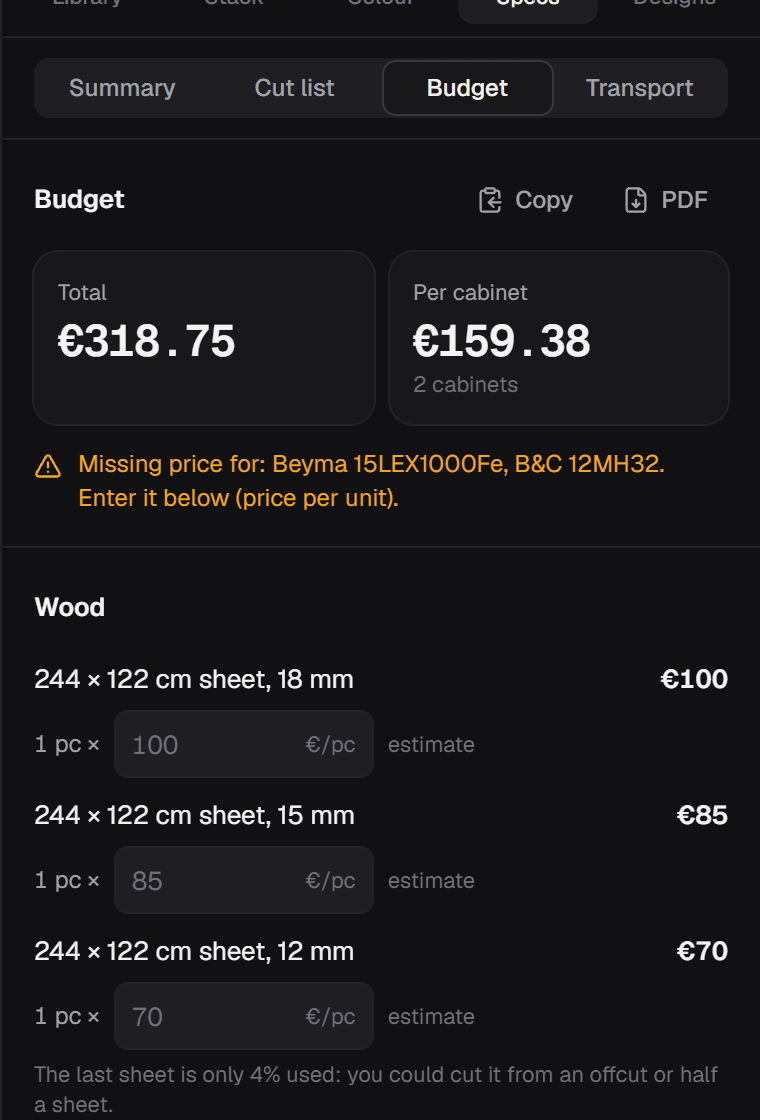
Sheets, drivers, paint and hardware, added up. Prices are a guide and you can enter your own.
- Price per sheet thickness and per driver.
- Paint worked out from the paint list.
- Saved with the project.
Does it fit in the van?
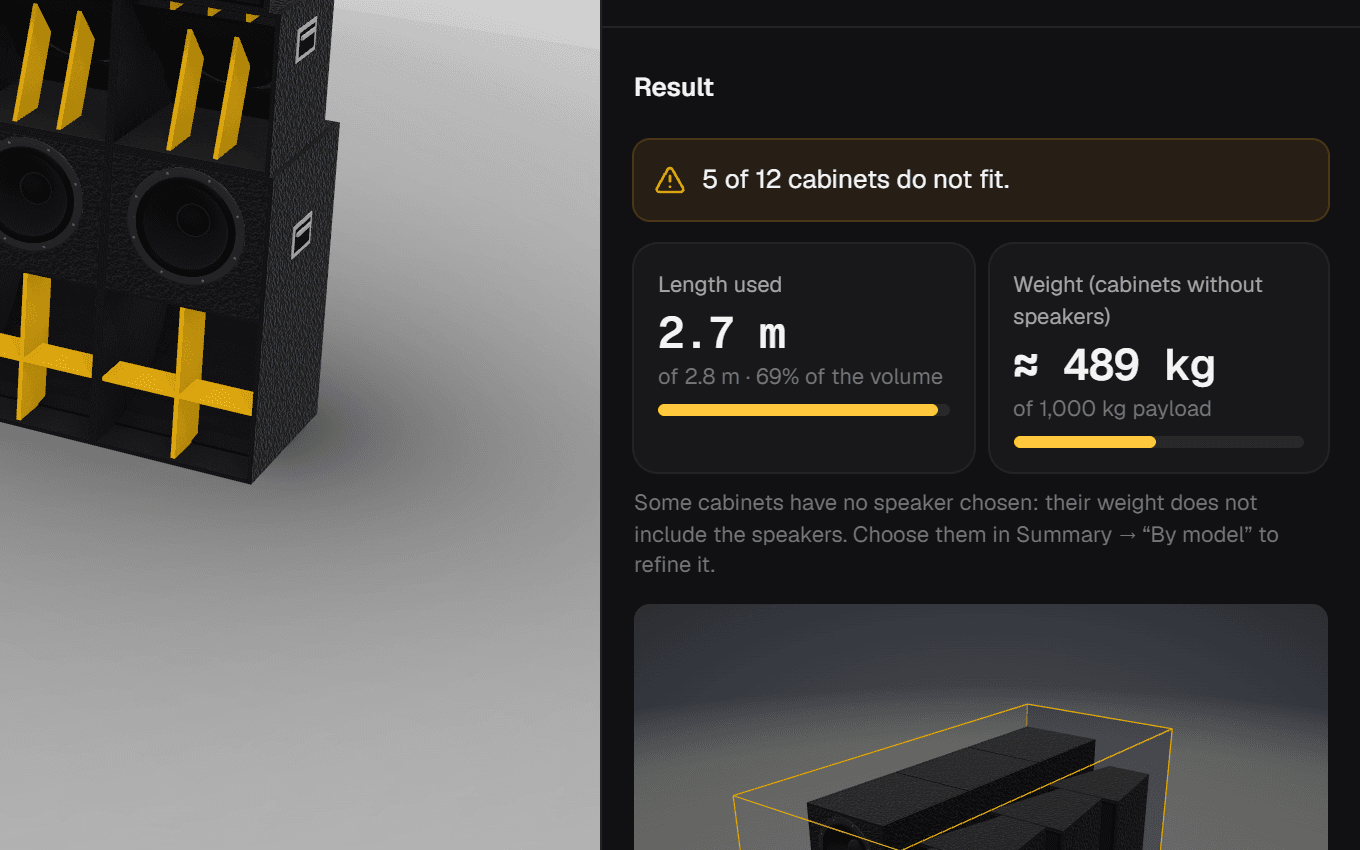
Choose a van, truck or trailer, or enter your own measurements. The app packs the cabinets and tells you whether everything fits.
- Gap between cabinets, width between the wheel arches and whether they can lie on their side.
- Weight against payload, and length used.
- 3D view of the load and the loading order.
Organise and share
Your projects always at hand, and just what each person in the crew needs.
PDFs, captures and links
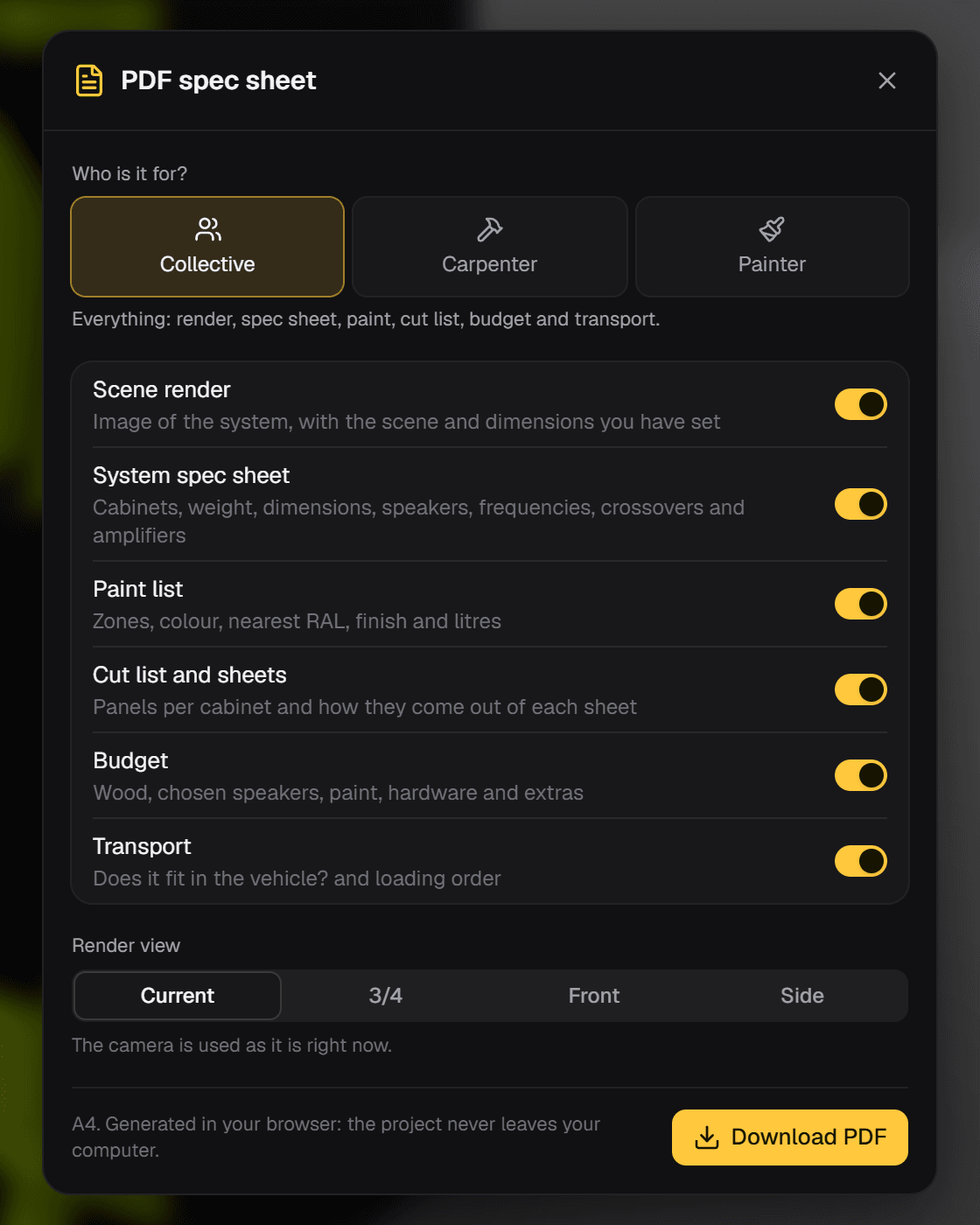
Give each person what they need without sending them the whole app.
- PDF for the crew, the joiner or the painter, choosing the sections one by one.
- Render from the current view, 3/4, front or side, with your logo in the header.
- High-resolution PNG capture, with or without a background.
- A link that opens exactly the same design.
Projects and account
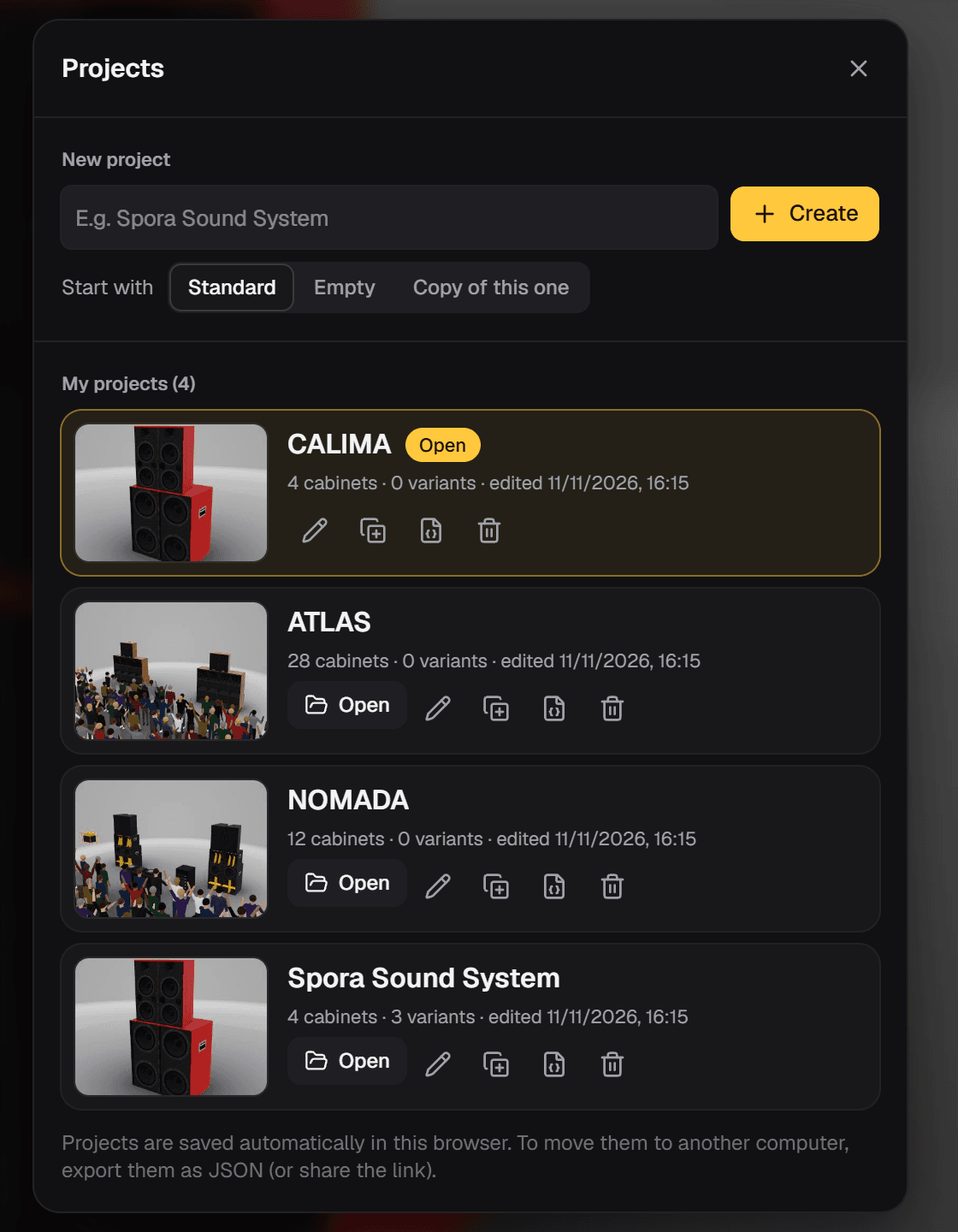
Each sound system is a project with its variants. They're saved to your account and open on your phone or computer.
- Start from an example rig, from scratch or by copying the current one.
- Rename, duplicate, export and import as JSON.
- Syncs between devices on its own, and you can bring in what you had in the browser.
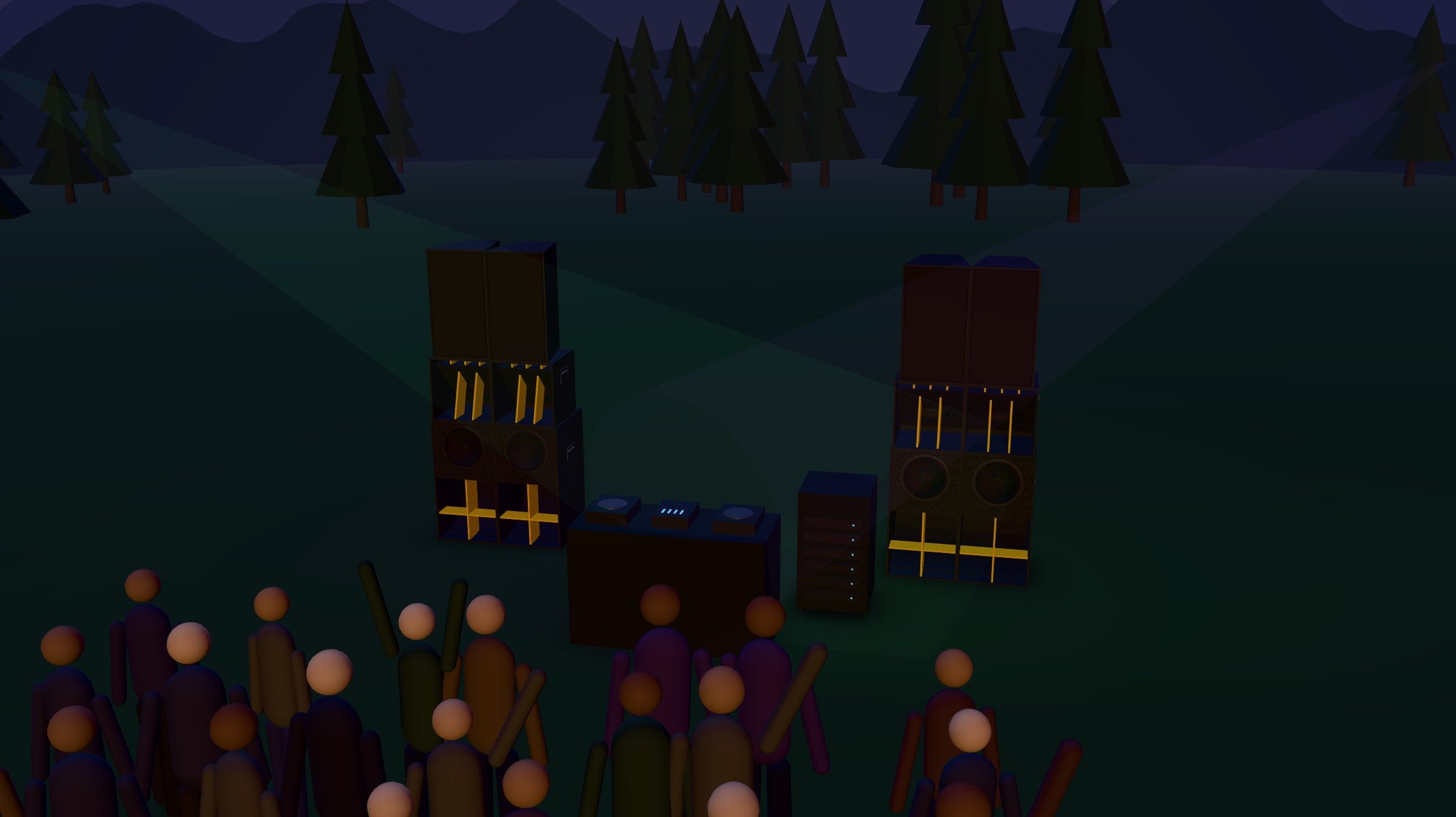
The party scene
Four lighting scenes and props to picture the day: DJ booth, amp rack, generator, gazebo and crowd.
- Studio, Day, Warehouse and Mountain at night with moving lights.
- Gazebo from 3 × 3 to 6 × 6 m and from 5 to 300 people dancing.
- Measure distances and height differences with two taps, and view the rig from the crowd.
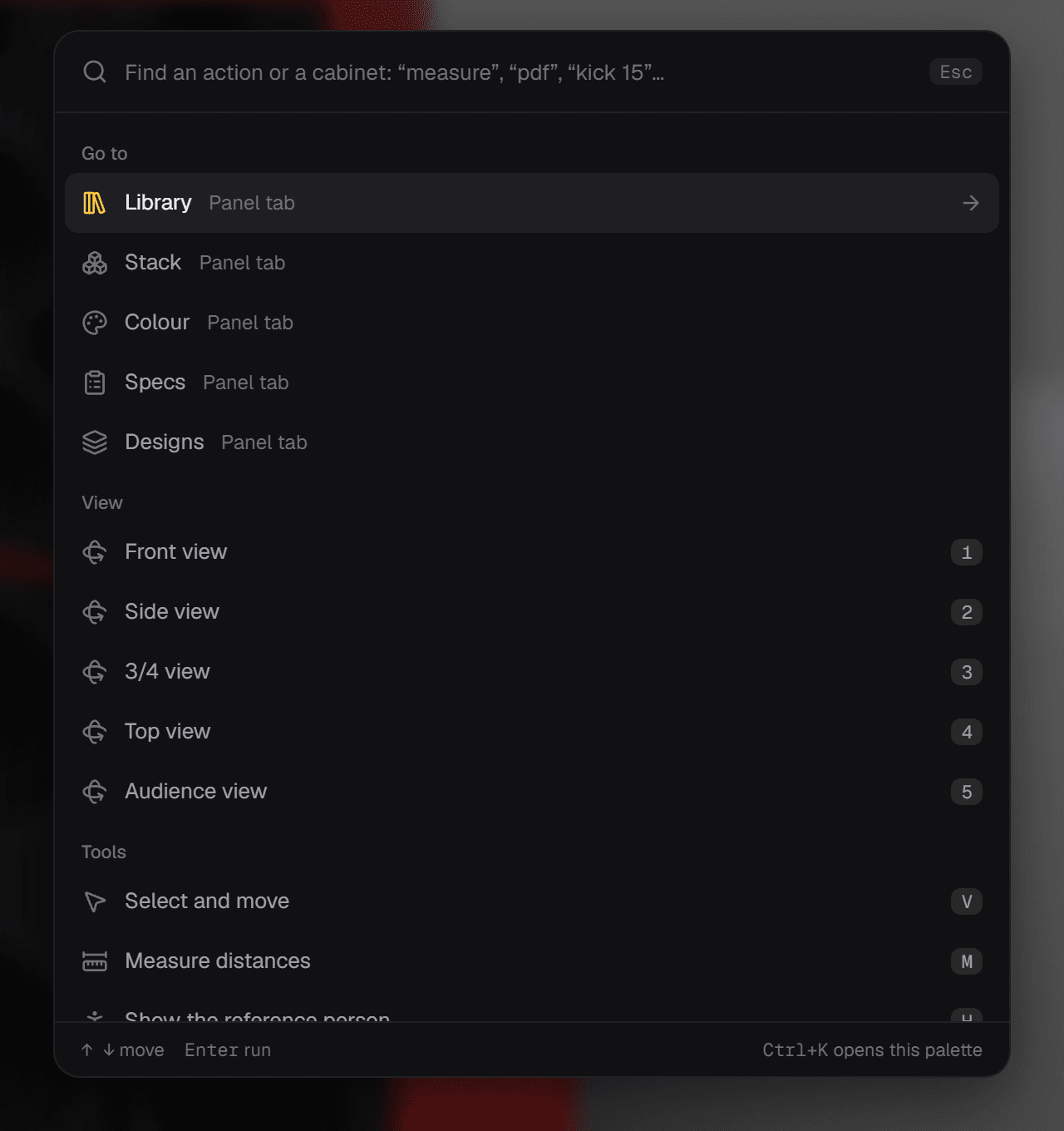
Fast on the keyboard
Press Ctrl K and type: any action or any cabinet is two keys away.
- Shortcuts for everything: library, rotate, lay down, line up, duplicate, measure and views.
- Move with the arrow keys and snap to the next cabinet with Shift.
- Undo and redo with Ctrl Z and Ctrl Y.
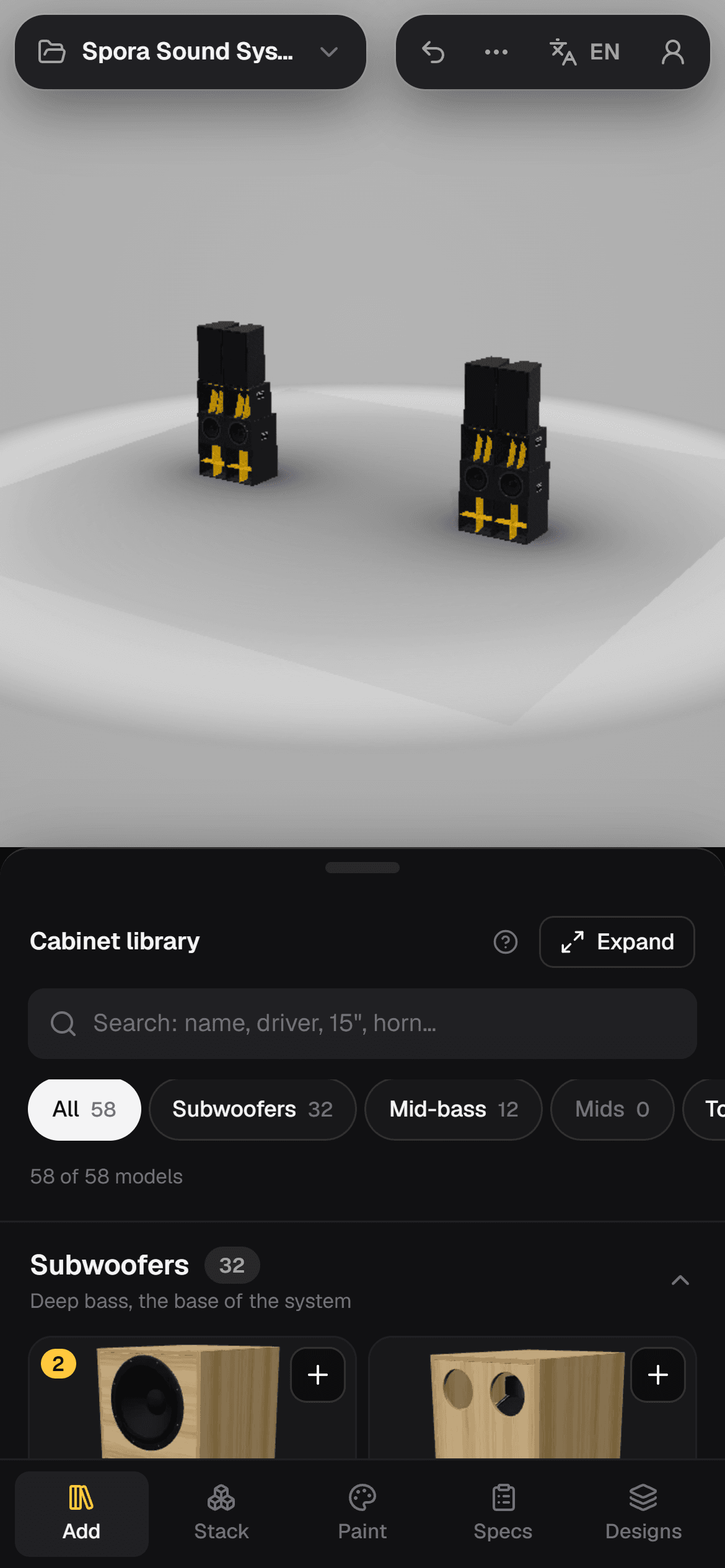
On your phone, even in the sun
The app works on your phone: drag to orbit the scene and pull up the panel only when you need it.
- Bottom panel with three heights that remembers the last one.
- Light theme for using it outdoors.
And also
- Help in every sectionA “?” explains each panel without leaving the app.
- Provisional dimensionsFor cabinets with provisional dimensions, enter those of your real cabinet.
- Approximate shapes flaggedCabinets with a simplified interior carry an “Approx.” label.
- Instant thumbnailsThe library keeps its 3D thumbnails and opens without waiting.
- Credits inside the appPlan designers, licences and fonts, always one click away.
- Nothing to installRuns in the browser, on your computer and your phone.
Missing something?
Ask for the cabinet or driver you can't find and we'll add it to the library. Ideas and bug reports help a lot too.
Try it with your next rig
Free, nothing to install, with an example project to get you started.